
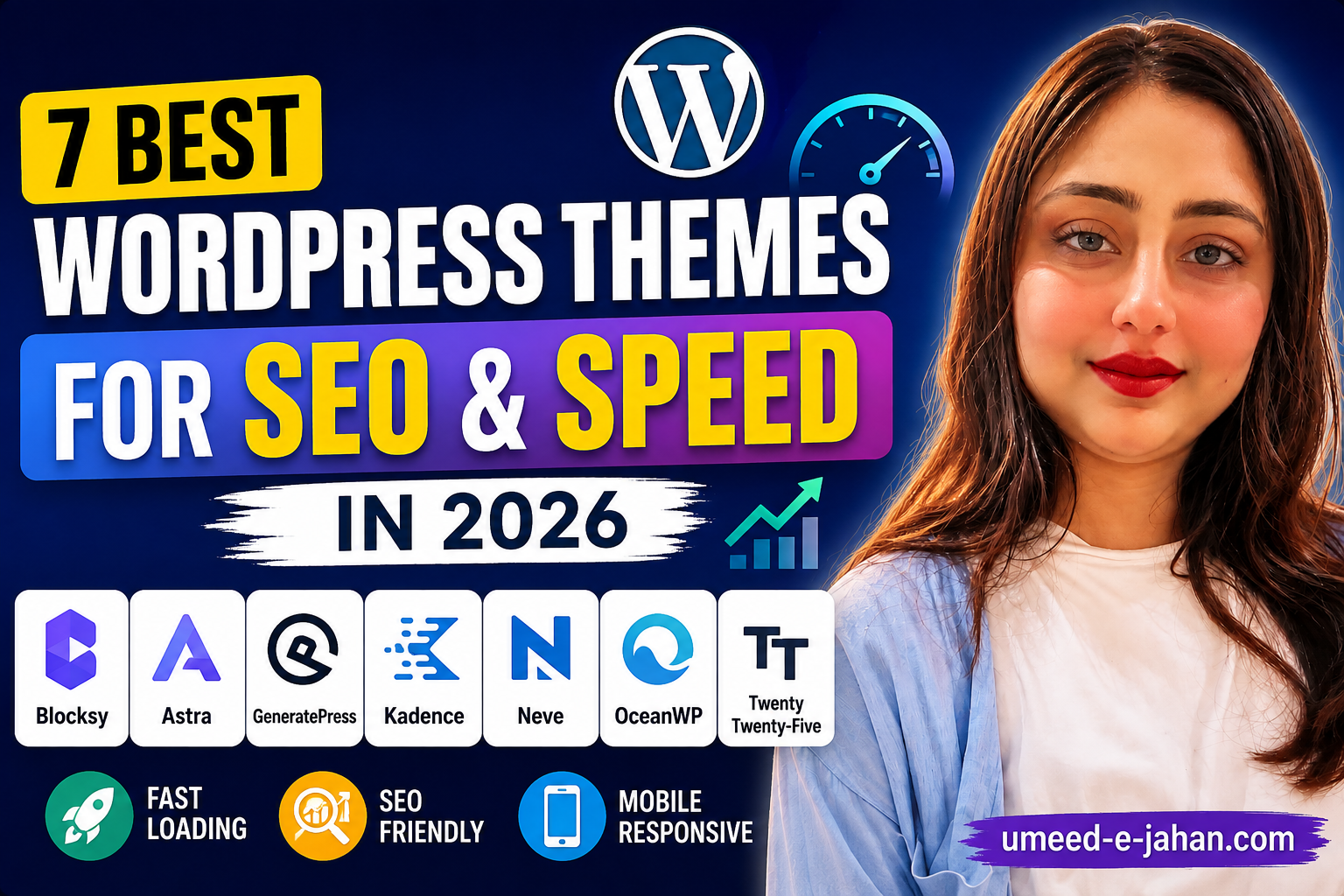
7 Best WordPress Themes for SEO and Speed in 2026
Choosing the right WordPress theme is more important than simply picking a design that looks attractive.
A theme controls many parts of your website’s appearance and can also influence how visitors experience your site. A lightweight, responsive theme can make it easier to create a fast and mobile-friendly website.
This is particularly important today because many people browse websites primarily from smartphones. Google also uses the mobile version of a website for indexing and recommends responsive, mobile-friendly websites.
In this guide, we’ll look at some of the best WordPress themes for SEO and speed in 2026 and explain what you should consider before choosing one.
What Makes a WordPress Theme SEO Friendly?
An SEO-friendly theme isn’t simply a theme that claims to be “SEO optimized.”
A good theme should provide a clean foundation for your website and allow you to focus on your content.
Important features include:
- Responsive design
- Clean code
- Good loading performance
- Proper heading structure
- Mobile-friendly layouts
- Compatibility with SEO plugins
- Good typography
- Regular updates
- Accessibility considerations
You can also check WordPress’s official Theme Directory when looking for themes. WordPress provides filters for features such as responsive layouts, accessibility, block editor support and more.
1. Blocksy
Blocksy is a modern WordPress theme designed for flexibility and performance.
It offers various customization options and works well with the WordPress block editor. It is suitable for blogs, magazines, business websites and other content-focused websites.
Best for:
- Blogs
- Digital magazines
- News websites
- Business websites
For a content-heavy website such as Umeed-e-Jahan, Blocksy can be a practical choice because it provides plenty of layout and customization options without requiring you to build everything from scratch.
Official Theme: Blocksy
2. Astra
Astra is one of the widely used WordPress themes and is designed to be lightweight and customizable.
It can be used for blogs, business websites, portfolios and online stores.
Astra’s developers describe it as lightweight and customizable, with compatibility with popular page builders.
Best for:
- Beginners
- Business websites
- Blogs
- Freelancers
Official Theme: Astra
3. GeneratePress
GeneratePress is another popular choice for people who prioritize a lightweight WordPress setup.
Its approach focuses on keeping the theme flexible while allowing users to customize their website.
Best for:
- Bloggers
- Developers
- SEO-focused websites
- Performance-conscious users
Official Theme: GeneratePress
4. Kadence
Kadence is a flexible WordPress theme with customization options for headers, footers, layouts and typography.
It can be a good option for users who want a modern website without relying heavily on custom coding.
Best for:
- Blogs
- Business websites
- Online stores
- Content creators
Kadence is also listed in the official WordPress Theme Directory.
Official Theme: Kadence
Neve is designed as a lightweight and responsive WordPress theme.
5. Neve
Its official documentation describes it as a fast, lightweight and customizable theme, with support for Gutenberg and popular page builders.
Best for:
- Beginners
- Blogs
- Small businesses
- Content websites
Official Theme: Neve
6. OceanWP
OceanWP is another established WordPress theme that can be used for blogs, business websites and online stores.
It provides a wide range of customization options and is also available through the WordPress Theme Directory.
Best for:
- Business websites
- Blogs
- WooCommerce websites
7. Twenty Twenty-Five
If you prefer an official WordPress theme, Twenty Twenty-Five is another option worth considering.
It is available through the official WordPress Theme Directory alongside other popular themes.
Best for:
- Simple websites
- Blogs
- Users who prefer WordPress’s official themes
WordPress Theme Comparison
| Theme | Best For | Main Strength |
|---|---|---|
| Blocksy | Blogs & magazines | Flexibility |
| Astra | Beginners & businesses | Customization |
| GeneratePress | Performance-focused sites | Lightweight approach |
| Kadence | Blogs & businesses | Design flexibility |
| Neve | Beginners & blogs | Speed and responsive design |
| OceanWP | Businesses & stores | Features |
| Twenty Twenty-Five | Simple websites | Official WordPress theme |
Does Your WordPress Theme Affect SEO?
A theme can influence factors related to website performance and user experience, but your theme alone doesn’t determine your Google rankings.
Google says its systems look at overall page experience, including Core Web Vitals, security, mobile presentation and other aspects. Google also emphasizes that good page experience does not replace having relevant, useful content.
That’s why you shouldn’t change your theme simply because another theme claims to be “better for SEO.”
A well-configured, fast theme combined with useful content is a much better approach.
How to Test Your WordPress Theme
After installing a theme, don’t judge it only by how it looks.
Check:
1. Mobile Experience
Open your website on a smartphone and make sure:
- Text is easy to read
- Buttons are easy to tap
- Images don’t overflow
- Navigation works properly
2. Page Speed
Use Google’s performance tools to check how quickly your pages load.
3. Core Web Vitals
Core Web Vitals measure loading performance, responsiveness and visual stability. Google recommends aiming for good Core Web Vitals as part of providing a strong user experience.
4. Plugin Compatibility
Make sure the theme works properly with your important plugins, including your SEO plugin and caching solution.
Which WordPress Theme Should You Choose?
There isn’t one theme that is perfect for every website.
For a digital magazine or content website, Blocksy, Astra, GeneratePress, Kadence and Neve are all worth considering.
For a beginner, ease of customization may be more important than having dozens of advanced options.
For a performance-focused website, choose a lightweight theme and avoid loading unnecessary features.
And remember: a fast theme can still become slow if you install too many plugins, use oversized images, or add excessive scripts.
Frequently Asked Questions
What is the best WordPress theme for SEO?
There isn’t one universally best theme. Lightweight and well-maintained themes such as Blocksy, Astra, GeneratePress, Kadence and Neve can provide a strong foundation for an SEO-friendly website.
Is a lightweight WordPress theme better for SEO?
A lightweight theme can help with performance and user experience, but rankings depend on many factors beyond the theme.
Does changing a WordPress theme improve Google rankings?
Not automatically. Changing themes can improve or worsen performance depending on the implementation. You should test the website after making a theme change.
Is Blocksy good for SEO?
Blocksy can be a good choice for content-focused websites when properly configured. However, the theme itself doesn’t guarantee higher rankings.
Should I use a free or premium WordPress theme?
Both can work well. Choose based on features, support, updates, performance and your actual website requirements rather than price alone.
The best WordPress theme is not necessarily the one with the most features.
For SEO and performance, focus on a theme that is responsive, lightweight, regularly maintained and easy to configure.
More importantly, remember that your theme is only one part of your website’s SEO strategy. High-quality content, good internal linking, technical SEO, website security and a positive user experience all matter.
If you’re building a content-focused website, choose a theme that keeps the reader’s experience at the center of the design.
1. What is WordPress?
What is WordPress? Complete Beginner’s Guide
2. How to Start a WordPress Website
How to Start a WordPress Website in 2026
3. Best Web Hosting for WordPress
Best Web Hosting for WordPress