

Creating a website has never been easier. Whether you want to start a personal blog, launch an online business, build a portfolio, or create a news website, WordPress gives you everything you need.
The best part is that you don’t need to be a programmer. With the right hosting provider, a domain name, and a few simple steps, anyone can build a professional website.
In this beginner-friendly guide, you’ll learn exactly how to start a WordPress website in 2026.
Step 1: Choose Your Website Niche
Before buying a domain or hosting, decide what your website will be about.
Popular niches include:
- Technology
- Artificial Intelligence
- Health
- Finance
- Education
- Travel
- Food
- Business
- News
- Personal Blog
Choose a niche that matches your knowledge and long-term goals.
Step 2: Register a Domain Name
A domain name is your website’s address on the internet.
Examples:
- example.com
- yourbrand.com
- myblog.net
Tips for choosing a domain:
- Keep it short
- Easy to remember
- Avoid numbers and hyphens
- Use .com if possible
Step 3: Buy Web Hosting
Web hosting stores your website files and makes them available online.
When selecting a hosting provider, consider:
- Speed
- Uptime
- Customer support
- Free SSL
- Daily backups
- Easy WordPress installation
Step 4: Install WordPress
Most hosting companies offer One-Click WordPress Installation.
The installation usually takes only a few minutes.
After installation, you’ll receive:
- Website URL
- Admin Login
- Username
- Password
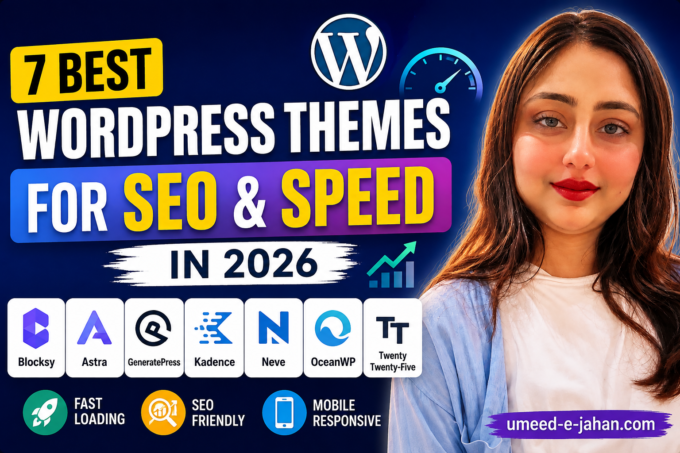
Step 5: Choose a Theme
Your WordPress theme controls the appearance of your website.
A good theme should be:
- Mobile responsive
- Fast loading
- SEO friendly
- Easy to customize
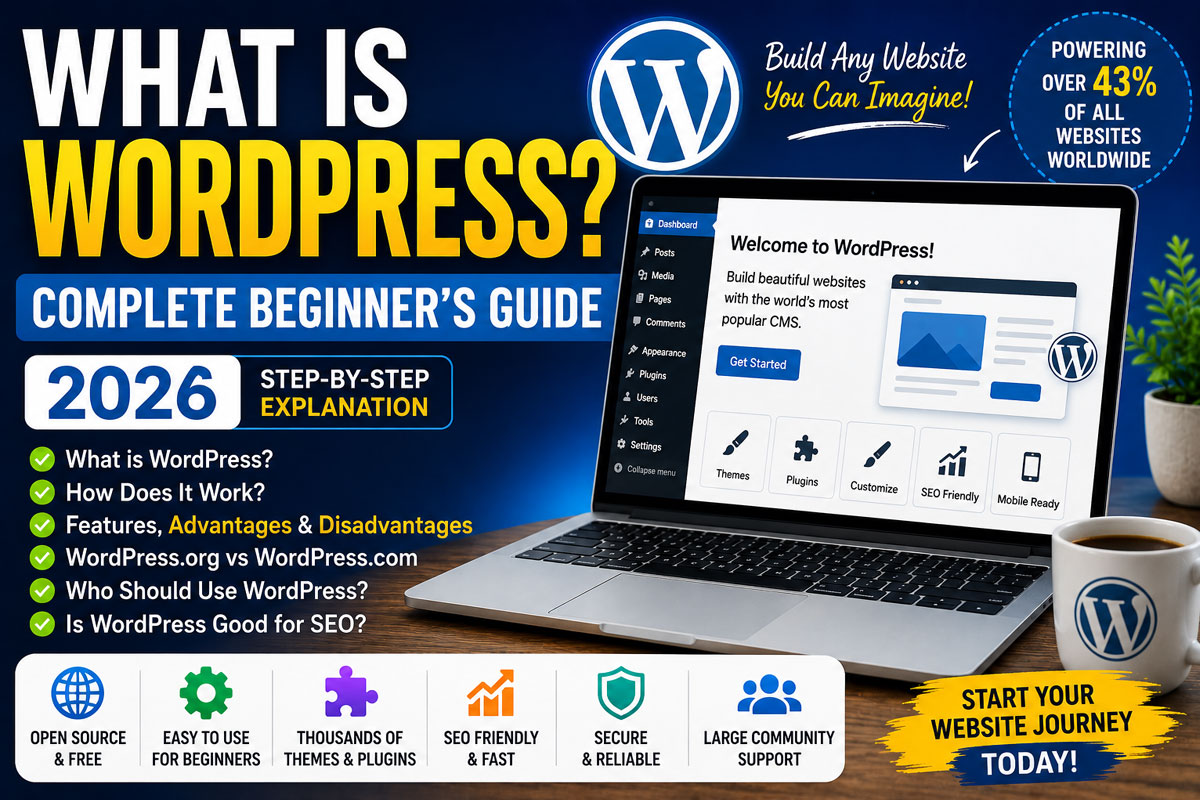
What is WordPress? Complete Beginner’s Guide
Step 6: Install Essential Plugins
Every beginner should install:
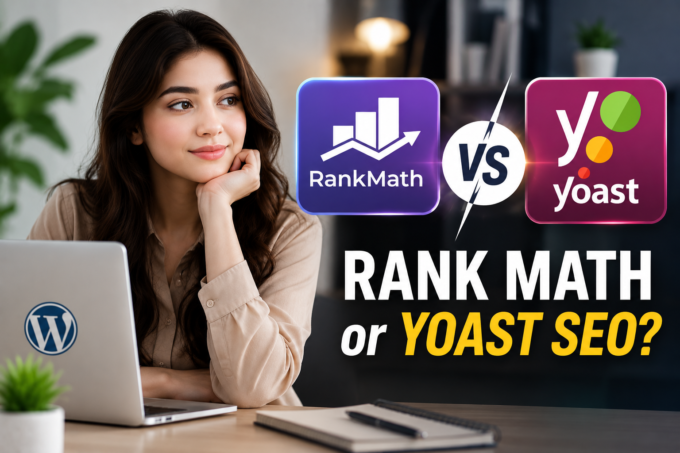
- Rank Math SEO
- LiteSpeed Cache (or your host’s recommended cache plugin)
- Wordfence Security
- UpdraftPlus Backup
- Contact Form Plugin
Install only trusted plugins and keep them updated.
Step 7: Create Important Pages
Create these pages first:
- Home
- About Us
- Contact
- Privacy Policy
- Disclaimer
Step 8: Publish Your First Article
Write your first post with:
- A clear title
- Helpful information
- Images
- Internal links
- Meta description
- SEO-friendly headings
Focus on providing value to your readers rather than simply writing for search engines.
Common Mistakes Beginners Make
Avoid these common mistakes:
- Installing too many plugins
- Ignoring website backups
- Using weak passwords
- Publishing low-quality content
- Not optimizing for mobile users
- Forgetting SEO basics
Frequently Asked Questions
Is WordPress free?
Yes. WordPress itself is free, but you’ll typically need a domain name and web hosting for a self-hosted site.
How much does it cost to start a WordPress website?
Costs vary depending on your hosting provider, domain, and premium tools, but you can start with a modest budget.
Can I build a website without coding?
Yes. WordPress allows you to build professional websites without writing code.
Which theme is best for beginners?
Choose a lightweight, SEO-friendly, and responsive theme with regular updates.
How long does it take to build a WordPress website?
A simple website can often be set up within a few hours, while a more advanced site may take longer.
Starting a WordPress website is much easier today than it was a few years ago. With the right domain name, reliable hosting, a fast theme, and useful plugins, you can build a professional website even if you have no technical experience.
The most important part isn’t just launching your website it’s consistently publishing high-quality content and improving your site over time.