

Google Search Console: A Complete Beginner’s Guide in 2026
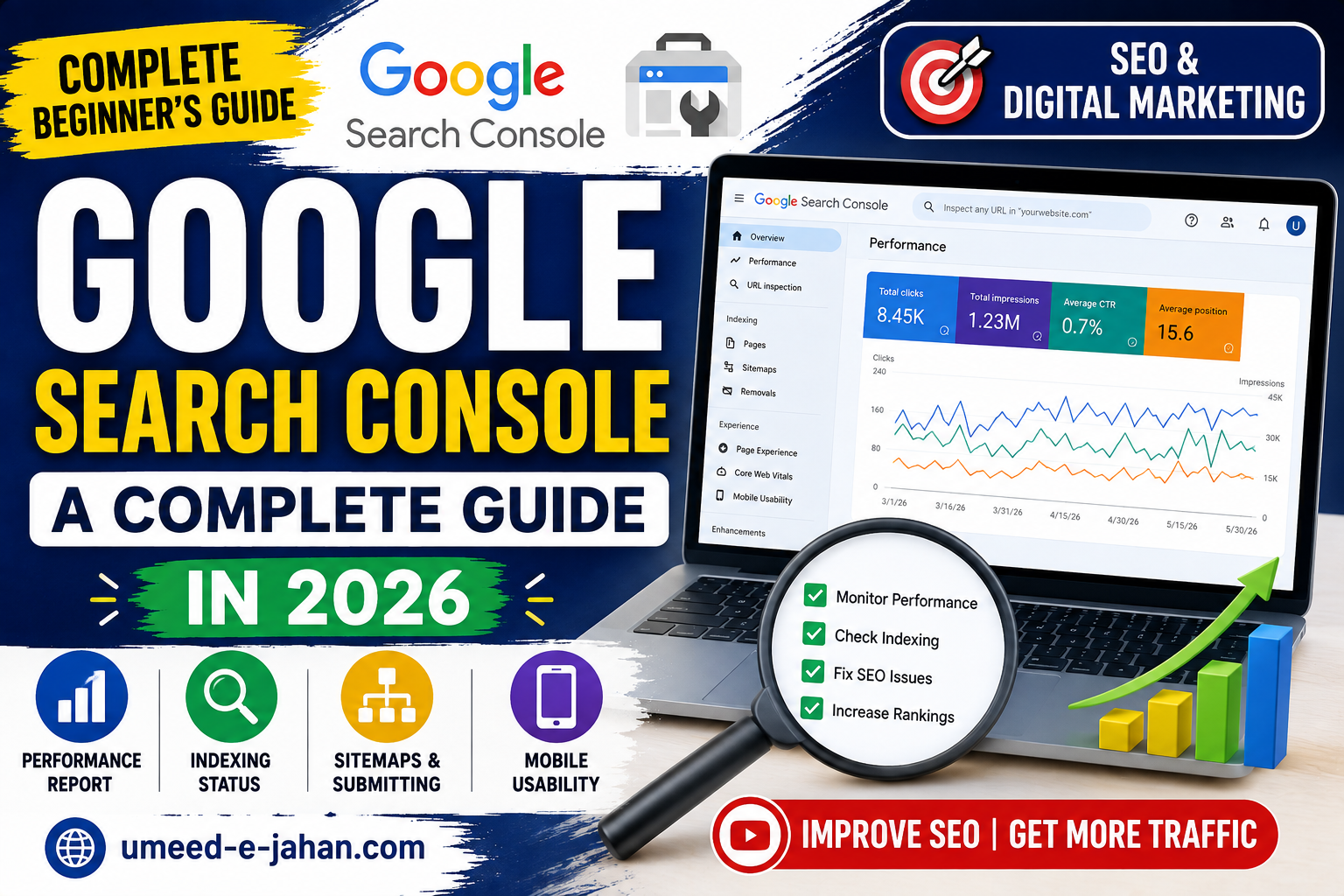
If you have a website and want people to find it through Google, Google Search Console is one of the most useful free tools you can use.
It helps website owners understand how their pages perform in Google Search, discover technical problems, monitor indexing, and see which search queries are bringing visitors to their websites.
You don’t need to be an SEO expert to start using it. Once your website is verified, Search Console can provide valuable information about how Google sees your website.
In this beginner’s guide, we’ll explain what Google Search Console is, what it does, and how you can use it to improve your website’s search performance.
What Is Google Search Console?
Google Search Console is a free service from Google that helps website owners monitor and troubleshoot their website’s presence in Google Search.
It can provide information about:
- Search impressions
- Clicks
- Search queries
- Average position
- Indexed pages
- Sitemap status
- Mobile usability
- Search-related issues
- Website performance
Google explains that Search Console can help website owners monitor and optimize their performance in Google Search.
Google Search Console — Official Google Tool
Why Is Google Search Console Important for SEO?
SEO is not only about publishing articles and waiting for Google to rank them.
You need to understand how your website is actually performing.
For example, Search Console can help you discover:
- Which pages receive the most impressions
- Which keywords people use to find your website
- Which pages receive clicks
- Pages that Google has not indexed
- Search queries where your website is appearing
- Changes in your website’s search performance
This information can help you decide what content to improve and what topics deserve more attention.
How to Set Up Google Search Console
Setting up Search Console is relatively straightforward.
Step 1: Open Google Search Console
Go to the official Google Search Console website and sign in with your Google account.
Step 2: Add Your Website
You can add your website as a property and choose the verification method that works for your setup.
For many website owners, Domain property is a useful option because it covers the different versions of the website.
Step 3: Verify Ownership
Google needs to confirm that you own or control the website.
Depending on your setup, verification can involve DNS, an HTML file, an HTML tag, or another supported method.
Step 4: Submit Your Sitemap
After verification, submit your XML sitemap through Search Console.
For WordPress websites, your SEO plugin can usually generate a sitemap automatically.
What Is an XML Sitemap?
An XML sitemap is a file that helps search engines discover important URLs on your website.
It doesn’t guarantee that every URL will be indexed, but it can help search engines discover your pages more efficiently.
Google’s SEO documentation explains that Google can discover pages through links and other mechanisms, and sitemaps can be useful for helping Google understand your site’s important URLs.
For a WordPress website using Rank Math, your sitemap is commonly available through the Rank Math-generated sitemap system.
Before submitting it, make sure your sitemap is working correctly.
Understanding the Performance Report
One of the most useful sections of Search Console is the Performance report.
It can show data such as:
Clicks
The number of times users clicked your website’s result in Google Search.
Impressions
The number of times your website’s result was shown to users.
Average CTR
CTR means Click-Through Rate.
It represents the percentage of impressions that resulted in clicks.
Average Position
This provides an average indication of where your website appeared for the queries included in the report.
These metrics can help you understand which pages and queries are attracting attention.
How to Find Keywords in Search Console
You don’t have to guess what people are searching for.
Open the Performance report and look at the Queries section.
You may find search terms that you never specifically targeted but for which Google is already showing your content.
For example, an article about WordPress hosting might begin appearing for searches related to:
- WordPress hosting
- cheap WordPress hosting
- fast WordPress hosting
- WordPress hosting for beginners
These queries can give you ideas for improving the existing article or creating related content.
How to Find Pages That Need Improvement
Search Console can also help you identify pages that receive many impressions but relatively few clicks.
For example, suppose an article receives:
10,000 impressions
but only:
100 clicks
That gives you a CTR of approximately 1%.
This doesn’t automatically mean the article is bad. There can be many reasons for a low CTR.
You can review:
- The title
- Meta description
- Search intent
- Content quality
- Competition
- Search position
A more attractive and accurate title may encourage more users to click.
However, avoid misleading titles simply to increase clicks.
How to Check Whether a Page Is Indexed
Another important feature is URL Inspection.
You can enter a specific page URL and see information about Google’s ability to access and index that page.
This is especially useful after publishing a new article.
For example, if you publish a new article on your WordPress website and don’t see it in Google after some time, URL Inspection can help you investigate the situation.
Google notes that being indexed does not guarantee that a page will appear prominently in search results. Relevance, quality and many other factors affect how pages are served.
Does Requesting Indexing Guarantee Ranking?
No.
Requesting indexing is not the same as asking Google to rank your article.
Google’s systems crawl, index and serve pages through separate stages, and Google does not guarantee that every page will be crawled, indexed or shown in search results.
Your goal should therefore be to create useful content and make sure Google can access and understand your website properly.
Google Search Console and SEO Content Strategy
Search Console becomes even more useful when you use its data to guide your content strategy.
For example, if your website starts receiving impressions for several searches about WordPress hosting, you can create additional useful articles around related questions.
This can help you build a group of related content instead of publishing completely unrelated articles.
For example:
Main topic: WordPress Hosting
Related articles could include:
- What Is WordPress Hosting?
- Best Web Hosting for WordPress
- Shared Hosting vs Managed WordPress Hosting
- How to Speed Up a WordPress Website
- How to Move a WordPress Website to New Hosting
This type of content organization can also make internal linking more useful.
Google recommends organizing websites logically and linking to relevant resources so that users and search engines can understand relationships between pages.
Google Search Console and Google Discover
Search Console is also becoming increasingly useful for understanding visibility beyond traditional search.
In June 2026, Google introduced new Search Console performance reporting for visibility in generative AI features across Search and Discover, initially rolling it out to a subset of websites.
Google has also continued updating its documentation around Discover and search visibility during 2026.
This makes Search Console an important tool not only for traditional Google Search but also for understanding how your content may appear across newer Google experiences.
Common Google Search Console Mistakes
Checking the report every few hours
SEO takes time. Don’t expect significant changes immediately after publishing an article.
Obsessing over average position
Average position is useful, but it doesn’t tell the complete story.
Look at clicks, impressions, queries and individual pages together.
Requesting indexing repeatedly
If a page is already indexed, repeatedly requesting indexing won’t magically improve its ranking.
Ignoring search queries
Search queries can provide valuable ideas for improving existing content.
Creating content only for keywords
Don’t write an article simply because a keyword has search volume.
The content should actually satisfy the user’s search intent.
How Long Does SEO Take?
There is no fixed period after which an article will automatically rank.
Some changes may be reflected relatively quickly, while others can take weeks or months.
Google itself recommends giving changes enough time before judging their impact, because different changes can take different amounts of time to appear in search results.
That’s why SEO should be treated as a long-term process rather than a one-time task.
Frequently Asked Questions
Is Google Search Console free?
Yes. Google Search Console is a free service provided by Google for website owners.
Does Google Search Console improve rankings?
Search Console itself doesn’t directly improve rankings. It provides information that can help you identify problems, understand search performance and make better SEO decisions.
How often should I check Google Search Console?
For a new website, checking it once or twice a week can be useful. As your website grows, you can check it more frequently when investigating specific issues.
Can Search Console show keywords?
Yes. The Performance report can show search queries for which your website appeared in Google Search.
Does Search Console show all keywords?
No. The data available in Search Console should not be treated as a complete list of every search query related to your website.
Does indexing guarantee ranking?
No. Indexing only means Google has added the page to its index. Ranking depends on relevance, quality, competition and many other signals.
Google Search Console is one of the most useful free tools available to website owners.
It can help you understand how your website performs in Google Search, discover search queries, monitor indexing and identify areas that may need improvement.
Instead of guessing what is working, use the data to make informed decisions about your content and SEO strategy.
For a growing website, Search Console should become part of your regular SEO routine.